

AI Research Guide
AI Research is an investment research assistant that understands your question, finds the data it needs and answers with the key points. It looks across Byul's live news, the web and market indexes at once.
This guide gives you an overview of every feature and how to get started. For detailed instructions and example questions on each topic, see the guides below.
What you can do
| Feature | How it works | Learn more |
|---|---|---|
| Research news | Finds news from the last day, 3 days or week, and can keep only high-importance or breaking stories. It also searches the web for the latest filings and earnings. | Research news |
| Market sentiment indexes | Analyzes Fear & Greed (US, KOSPI and crypto), VIX and KOSPI Volatility. | Market sentiment indexes |
| Mobile app | Ask from the AI Research tab in the app, or straight from news and the calendar. | Mobile app |
Get started on the web
- Log in on any tool page.
- Click the Byul avatar button (AI Research) at the bottom right. It opens automatically the first time after you log in.
- Type your question and send it. Use the + button at the top to start a new chat, and the menu button to open past chats.
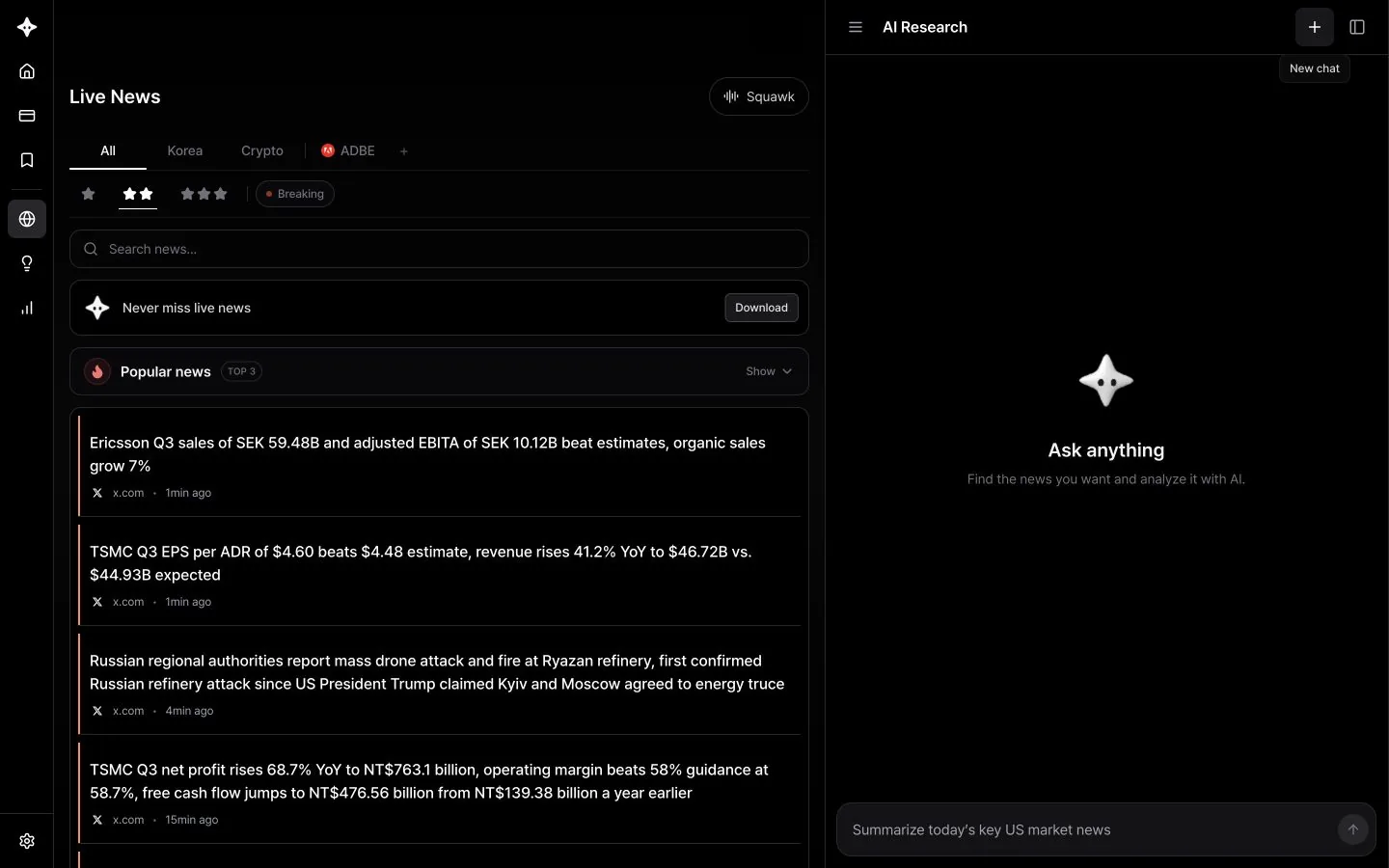
When you open AI Research on a tool page, what is on your screen is sent along with your question. You can say "this news" or "this screen" and it knows what you mean. Each guide covers how to use it with a specific tool.
Reading an answer
While an answer is being prepared, you can follow each step, including which news and web searches it is running.
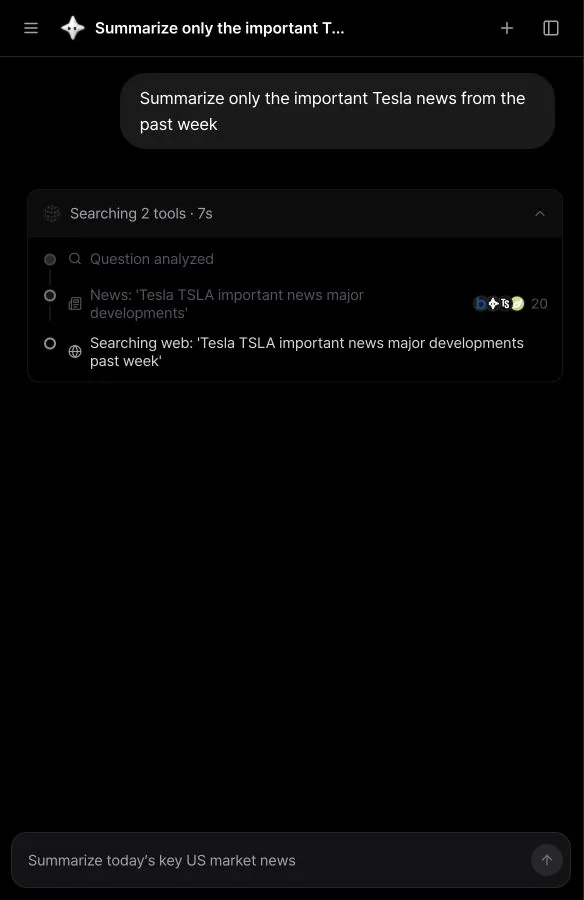
- Sources: Click the Sources button below an answer to see the news and web pages it used.
Tips for better questions
- Include a stock and a time frame. "Important Tesla news from the past week" works better than "Tesla news."
- Ask for a format. Try "compare in a table," "summarize in three lines" or "explain it for a beginner."
- Ask follow-ups. AI Research remembers earlier messages in the same chat, so you can ask "Which one matters most?" or "What's the opposing view?"
- Start a new chat for a new topic. When you switch topics, the + button gives you more accurate answers.
Good to know
- AI Research is available after you log in. The free plan includes 5 credits to try it; subscribe to Trader or Pro to use more.
- Each question uses credits. Questions that also search the web can use additional credits. Credits recharge monthly: Trader includes 100 per month and Pro 500. See plans for details.
- Answers come in the language you ask in.
- AI Research is for information only and does not recommend buying or selling any security. Check the sources and make your own investment decisions.
ガイド目次
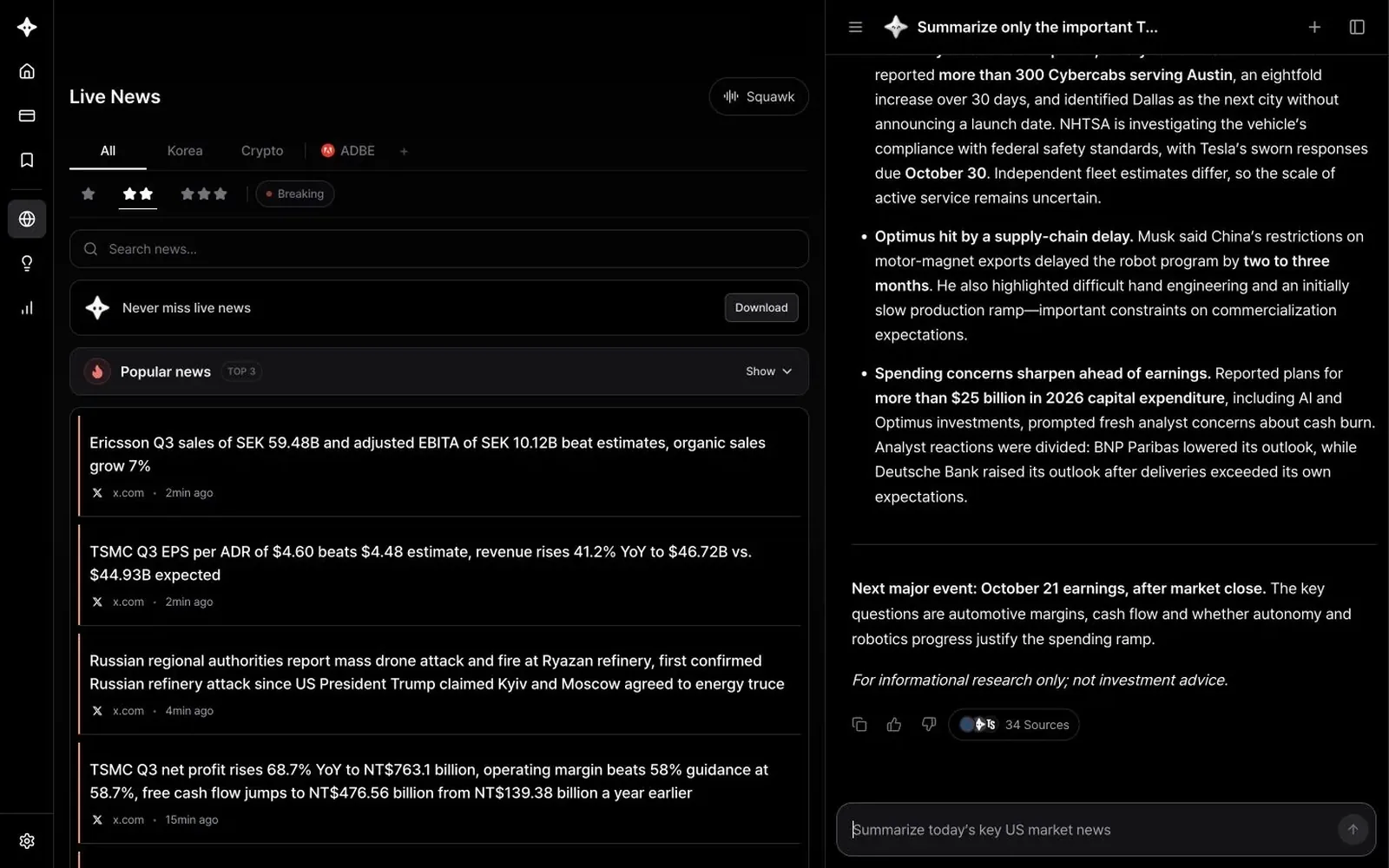
Research News with AI Research
Find news by time frame, stock and importance, and use web search to check earnings and filings.
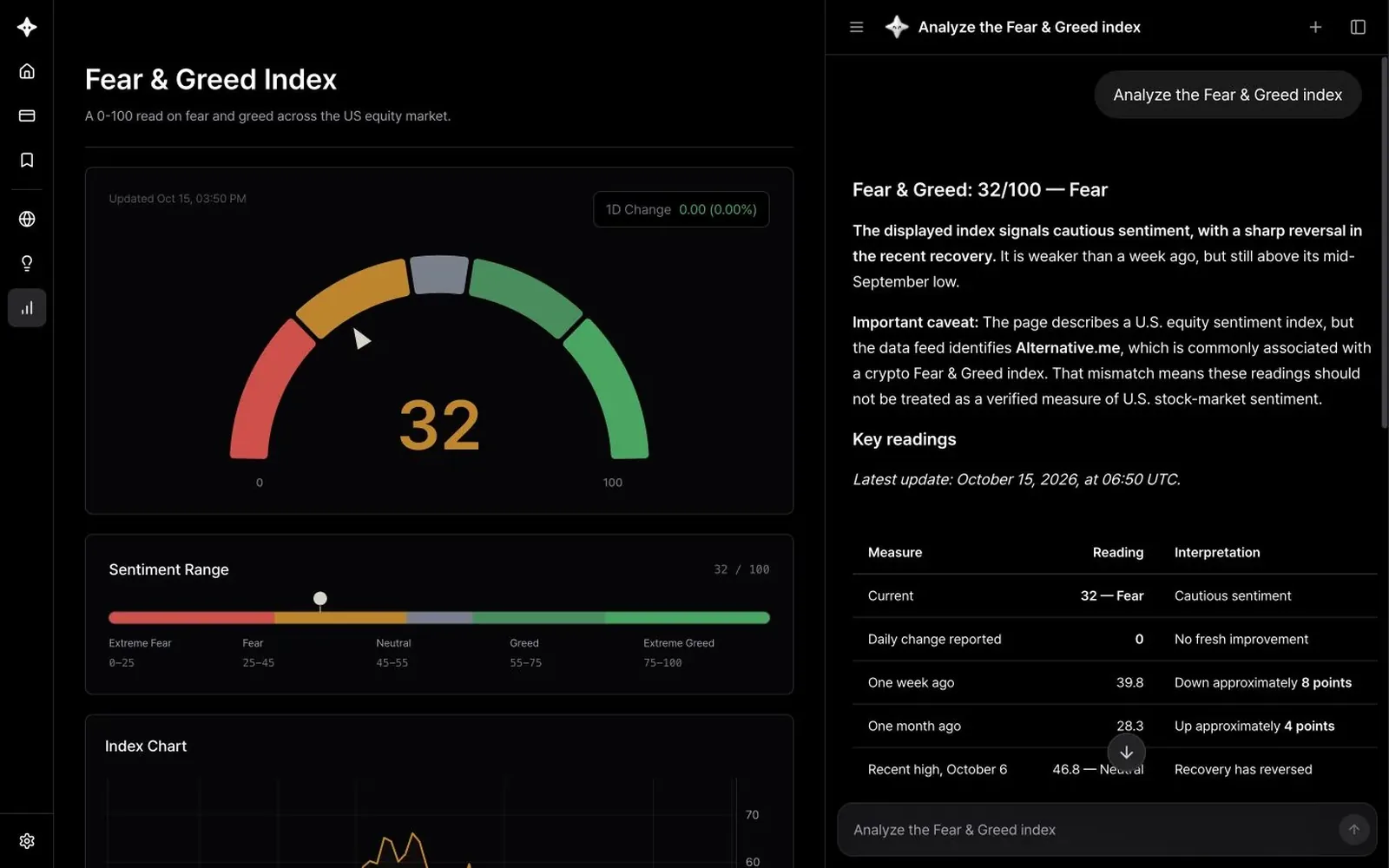
Use AI Research with Market Sentiment Indexes
Use AI to interpret the Fear & Greed Index, VIX and KOSPI Volatility.
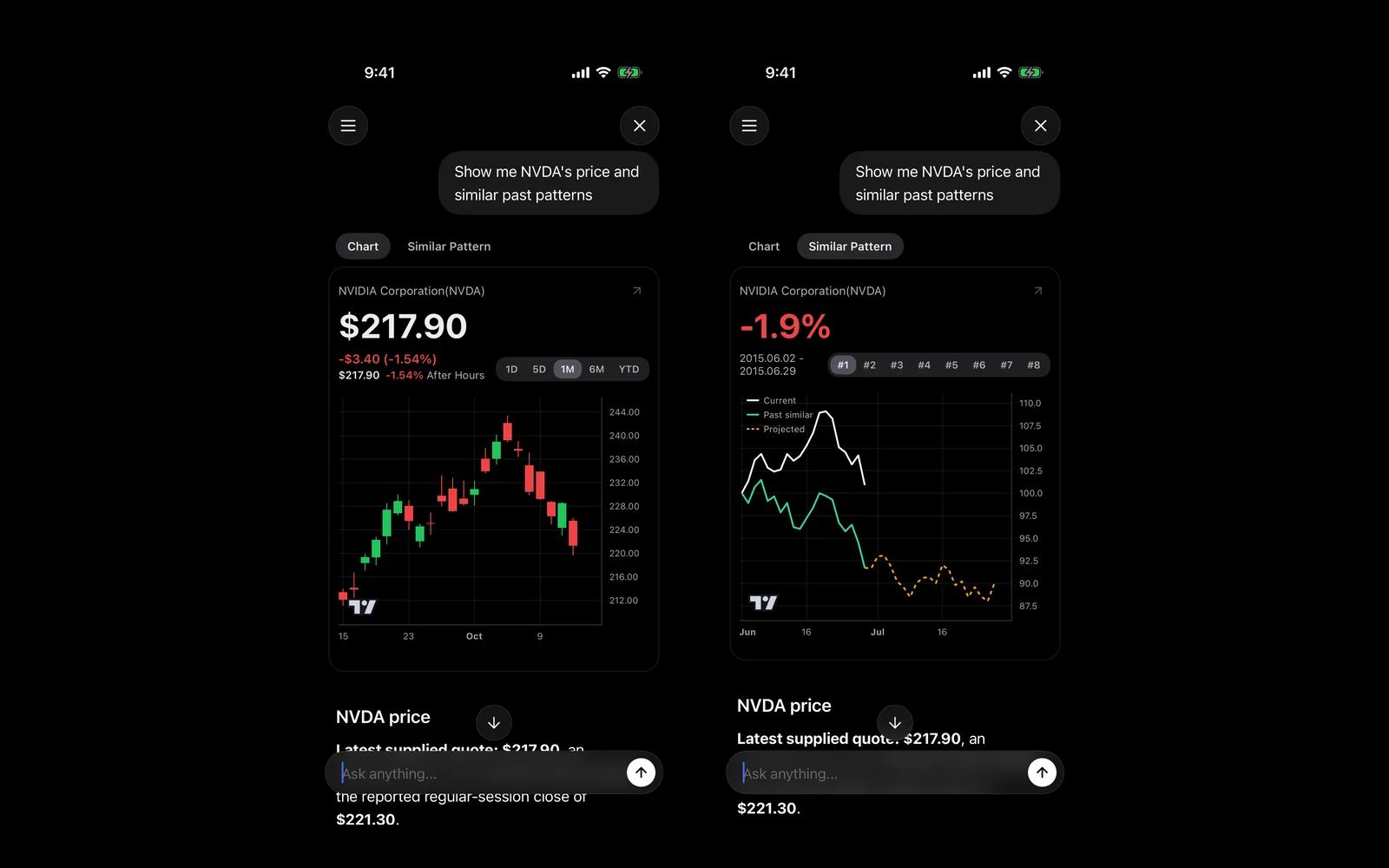
Use AI Research in the Mobile App
Use the AI Research tab in the app, and ask straight from news and the calendar.