

Research News with AI Research
Guide
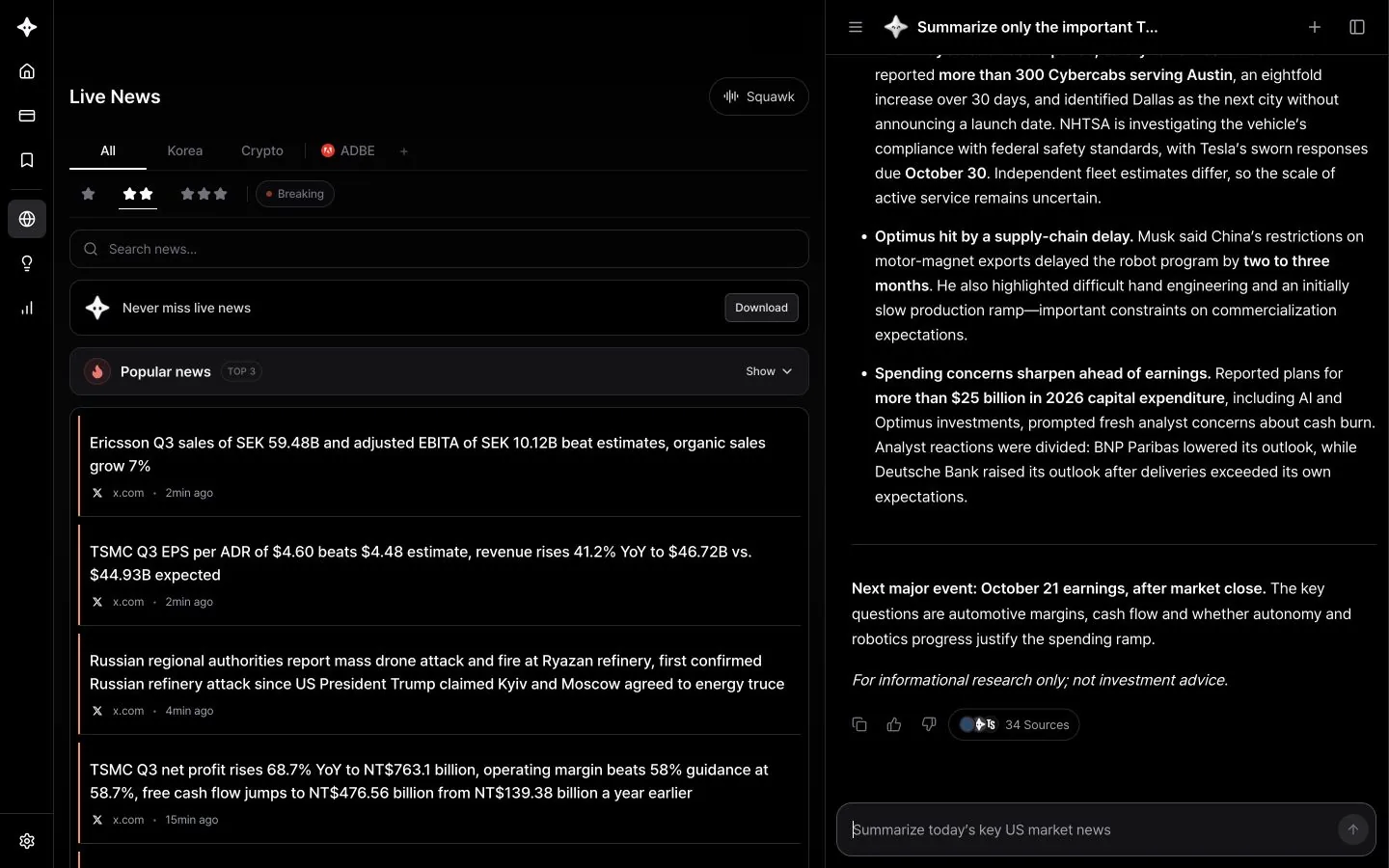
AI Research searches Byul's live news and the web together, then sums up what it finds. Instead of opening articles one by one, you can see what happened and what matters at a glance.
How it finds news
- Byul news search: Finds relevant news from the last day, 3 days or week. A single question can be split into several topics and searched at the same time.
- Importance filter: Say "important," "major" or "breaking" and it keeps only high-importance stories.
- Web search: When you need the latest original material, such as earnings releases, guidance or filings, it also searches the web. Web search can cover the past month or year.
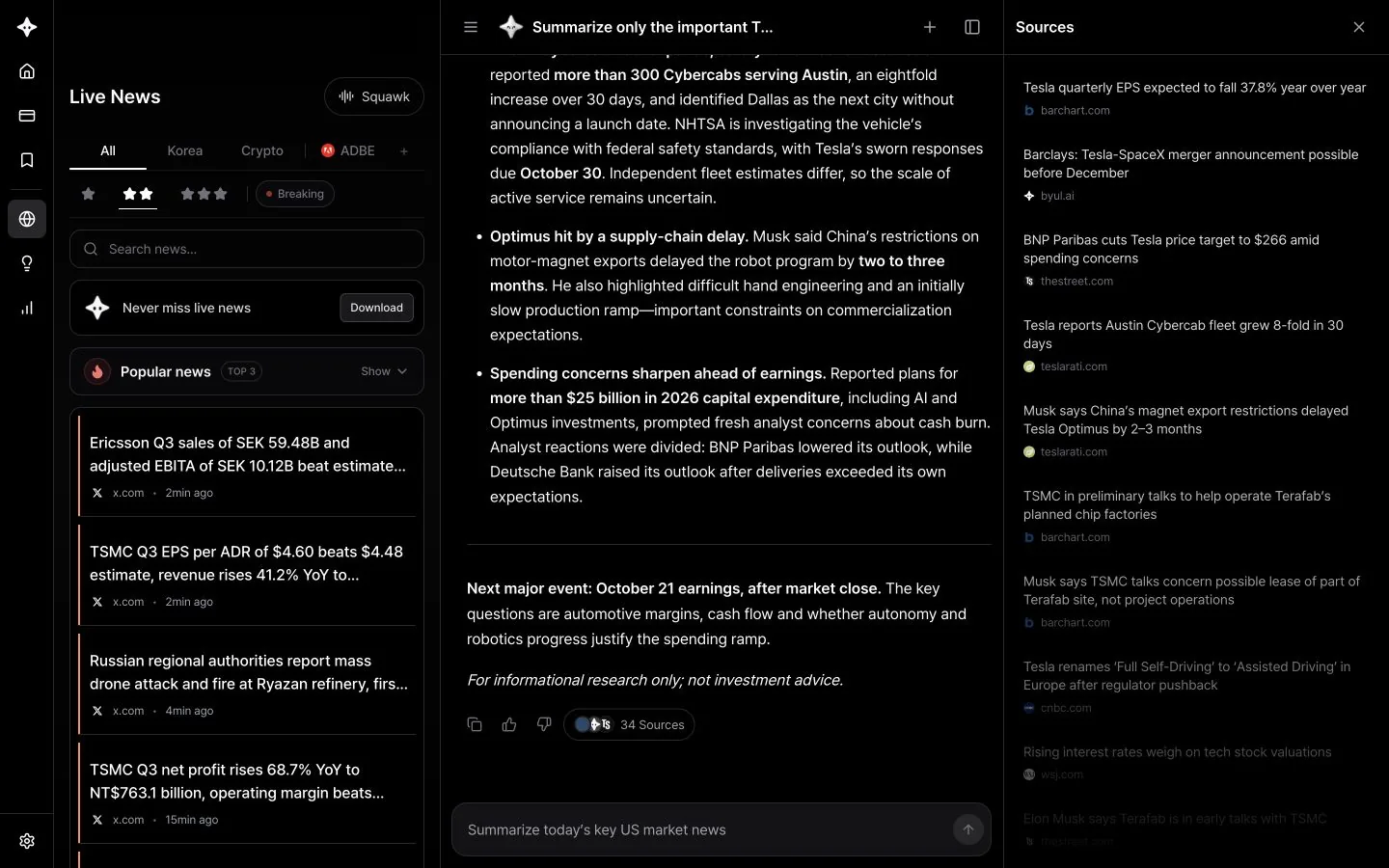
- Sources: Click Sources below an answer to check the articles and documents it used.
Questions to try
Today's market
- "Summarize today's key US market news"
- "Which of today's breaking economic headlines matter most for the market?"
- "What happened in overseas markets overnight?"
- "Give me three stories that moved the Korean market today"
News by stock
- "Summarize only the important Tesla news from the past week"
- "Find news from the last 3 days that moved Nvidia's stock"
- "Split Apple's recent news into positives and negatives"
- "Why did Palantir surge today?"
News by topic or industry
- "Put this week's key semiconductor news in a table"
- "Summarize Fed comments and rate outlook news from the past week"
- "Which Bitcoin news from the last 3 days moved the price?"
- "Summarize recent oil news and how the market reacted"
Earnings and events
- "Micron's latest earnings: results, guidance and how the stock reacted"
- "Compare results from the big tech companies that reported this week"
- "Summarize yesterday's CPI print and the market reaction"
Follow-up questions
- "Explain the most important one in more detail"
- "Is there an opposing view on this?"
- "Explain it again simply for a beginner"
Analyze a story directly
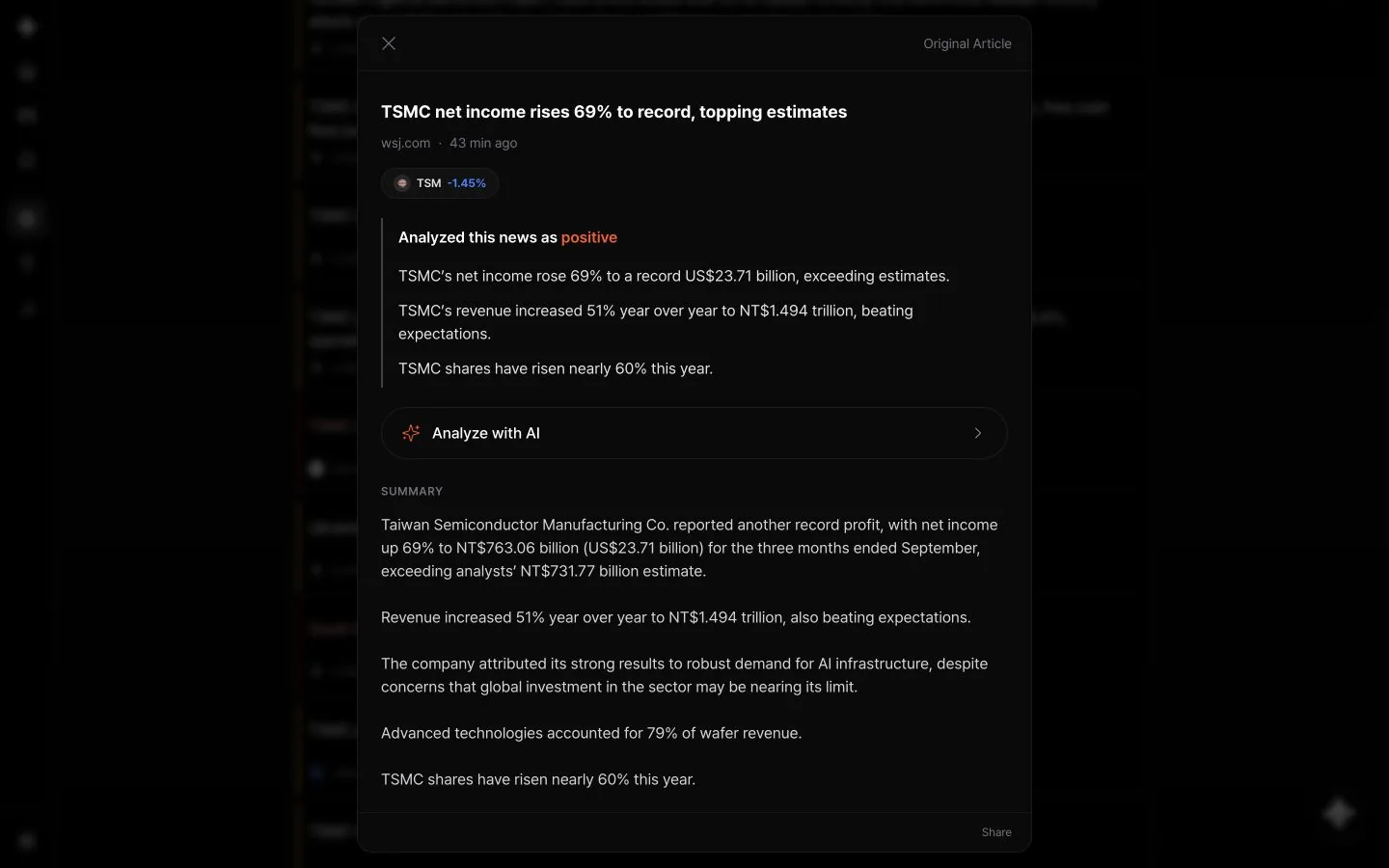
In Live News, click a story and choose AI Research to start a new chat analyzing that story. If you opened the news summary, click Analyze with AI.
Check the sources
Click the Sources button below an answer to open the list of articles it used on the right. Before making an important decision, read the originals too.
Tips for more accurate results
- Include a time frame. "Today," "the last 3 days" or "this week" keeps older articles out.
- Use a name or a ticker. Both "Tesla" and "TSLA" work.
- Ask for a format. Say "in a table," "split into positives and negatives" or "in three lines" and it formats the answer that way.
- Web searches can use additional credits.