

Use AI Research in the Mobile App
You can research news and check stock prices and charts with AI Research in the mobile app too. Ask from the AI Research tab at the bottom, or start an analysis straight from news and the calendar.
Get started
- Open the AI Research tab at the bottom.
- Type your question and send it.
- Use the menu button at the top left to open past chats or start a new one.

Stock cards and similar patterns
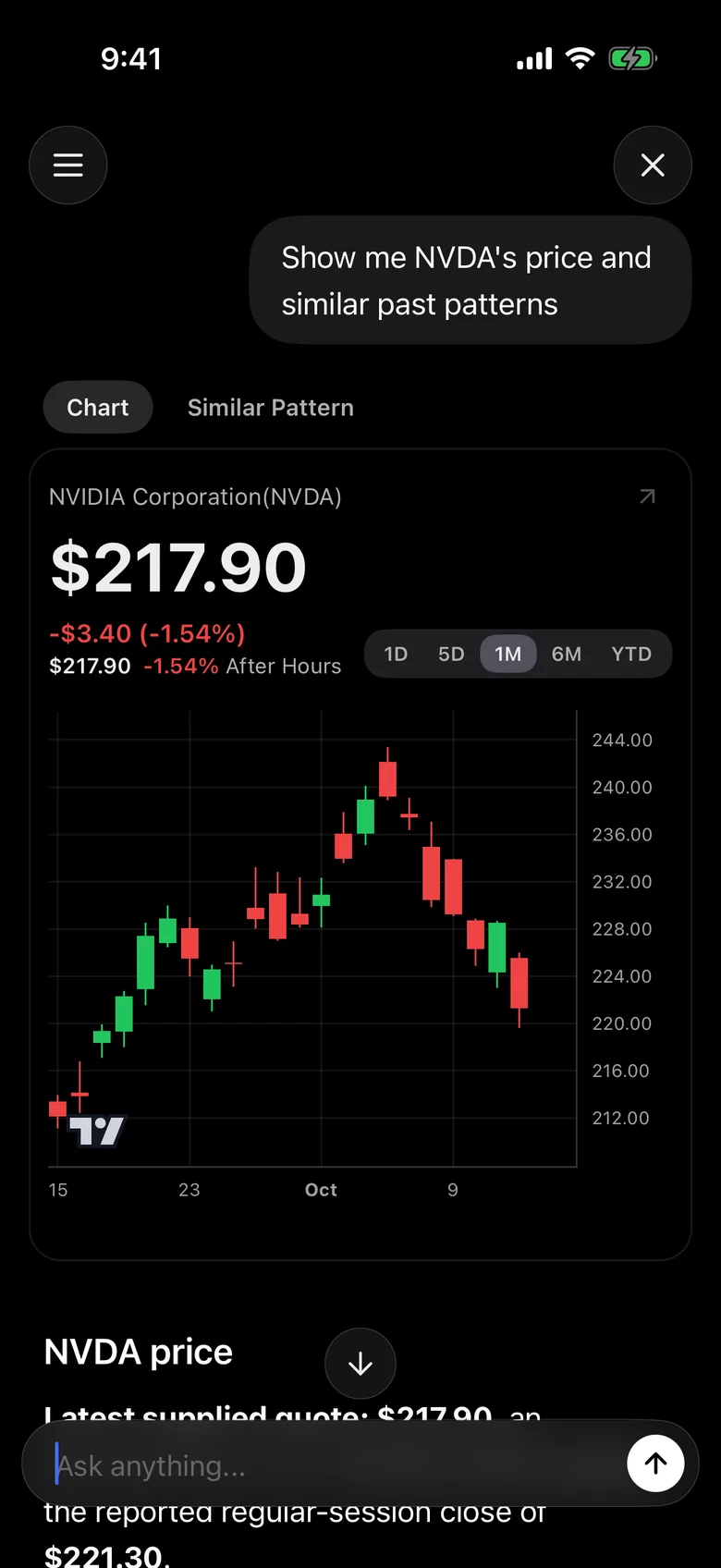
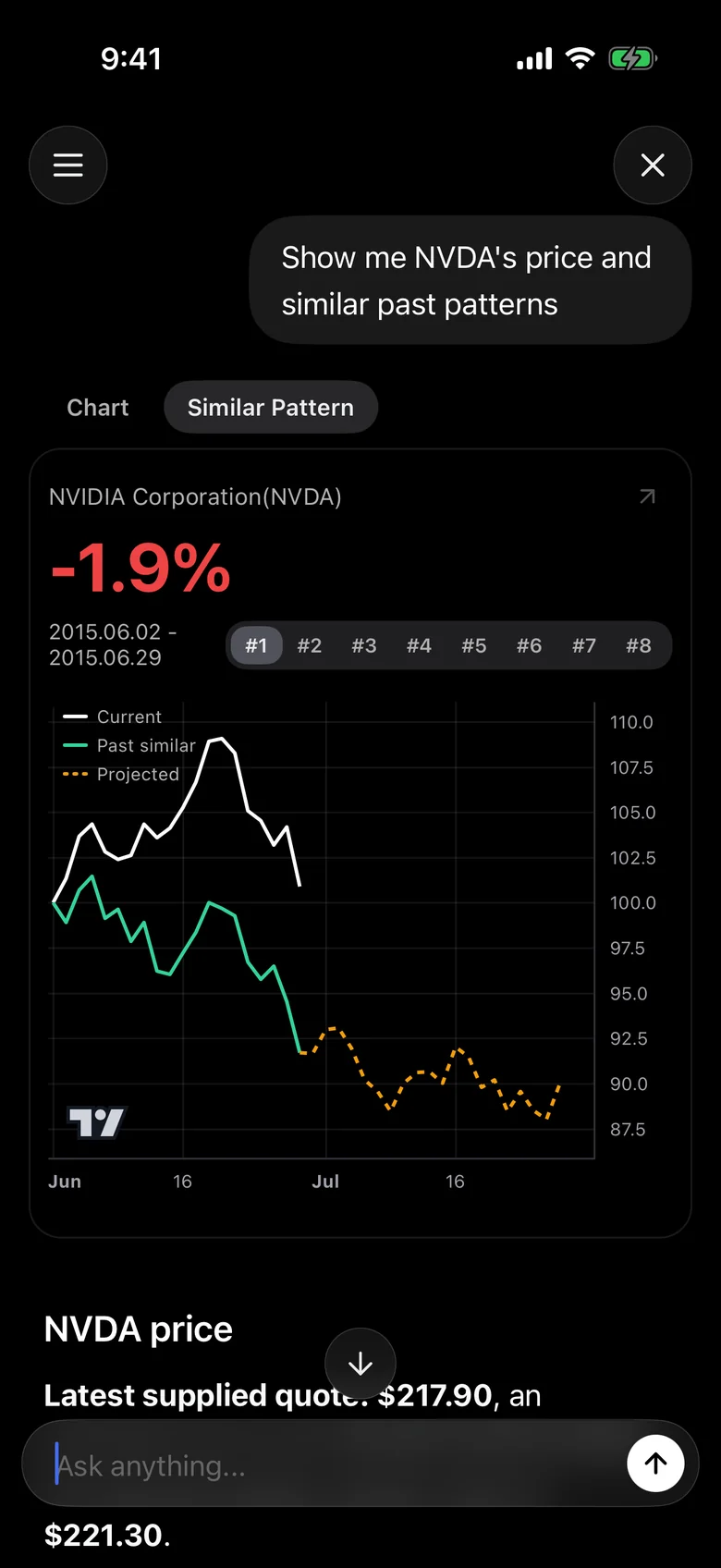
Ask about a stock and a card appears above the answer.
- Chart tab: current price, change and 1D, 5D, 1M, 6M and YTD charts
- Similar Pattern tab: past periods that moved similarly and their subsequent returns
Ask about several stocks and use the arrows below the card to flip through them.
Answers and sources
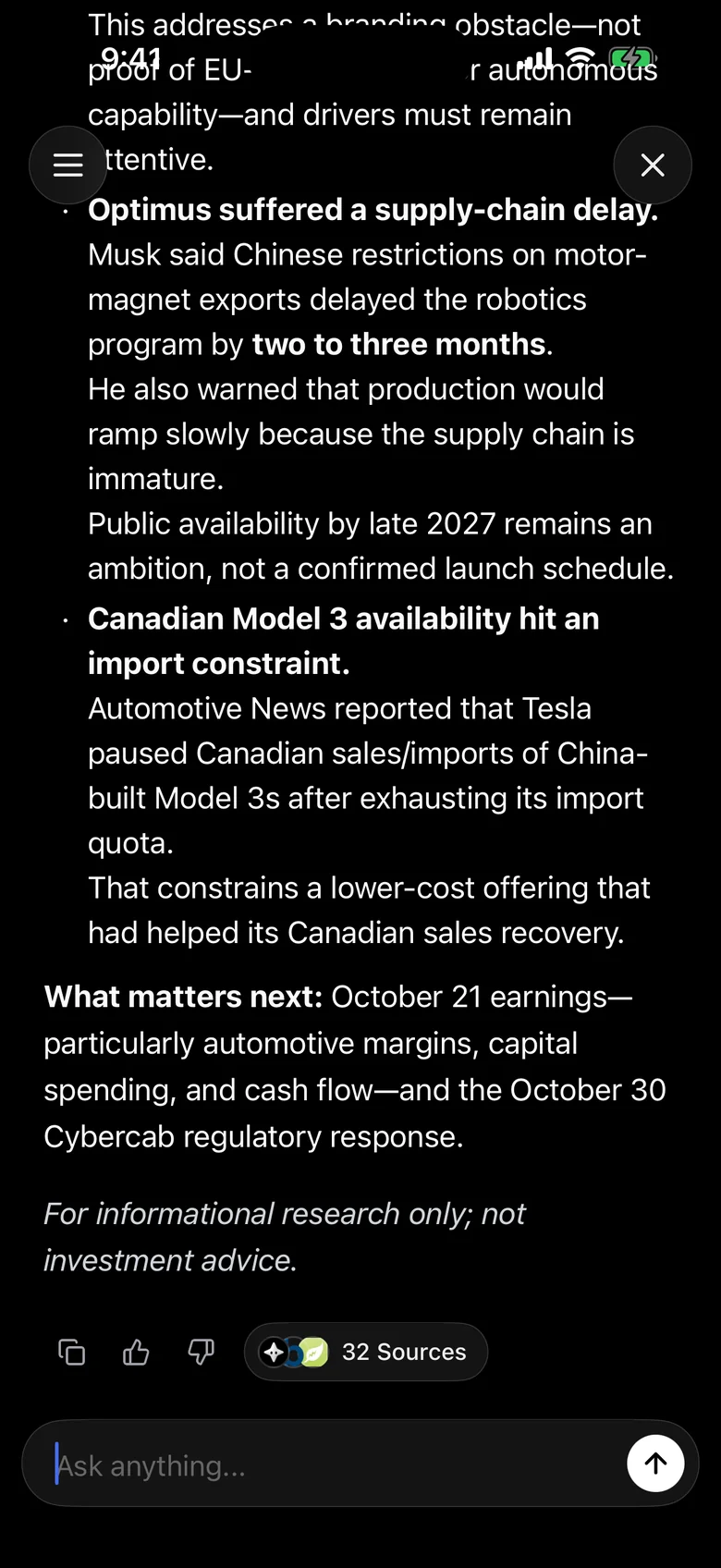
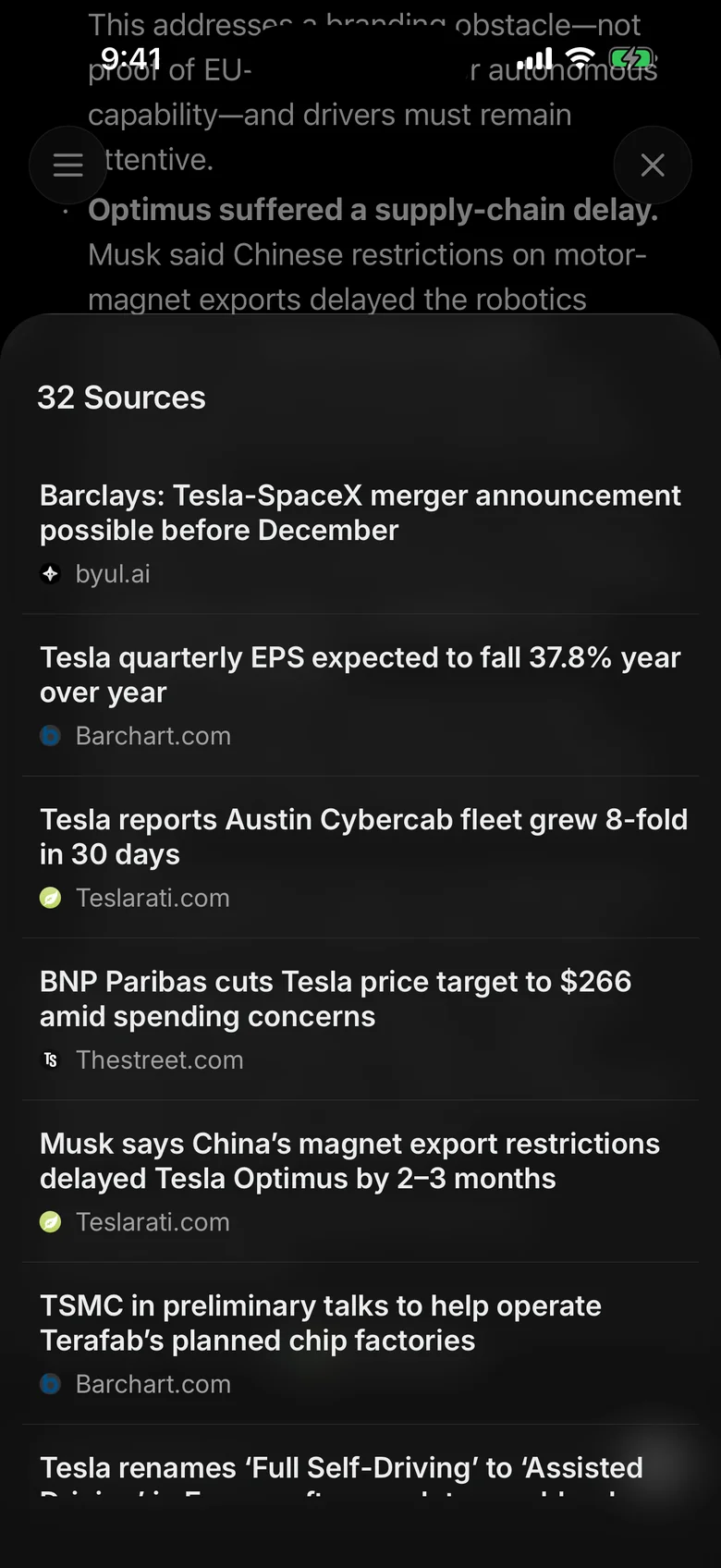
When an answer finishes, tap Sources below it to see the news it used. Tap a story in the sources to start a new AI Research chat about it. Long-press an answer to copy it.
Ask from other screens
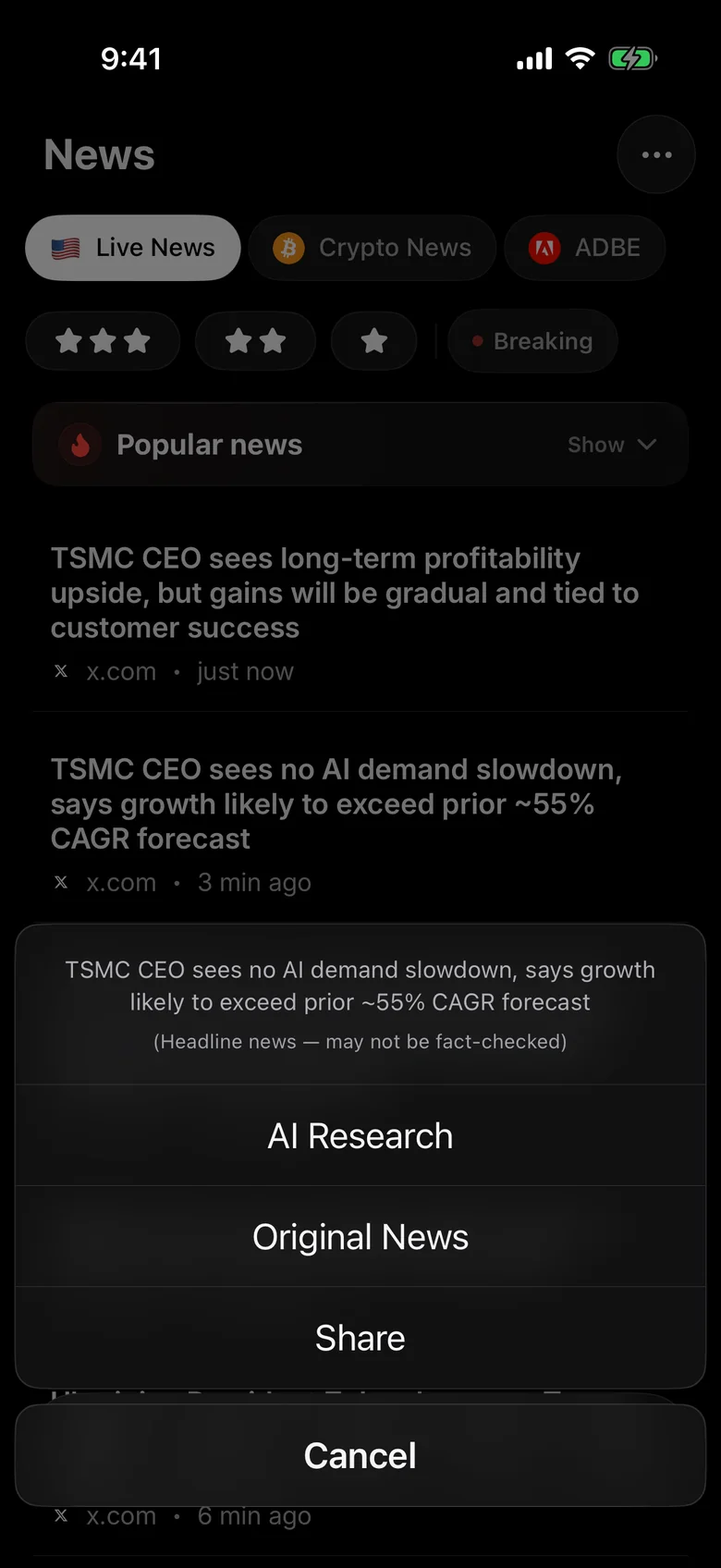
News: Tap a story and choose AI Research to start an analysis of it. Analyze with AI in the news summary does the same.
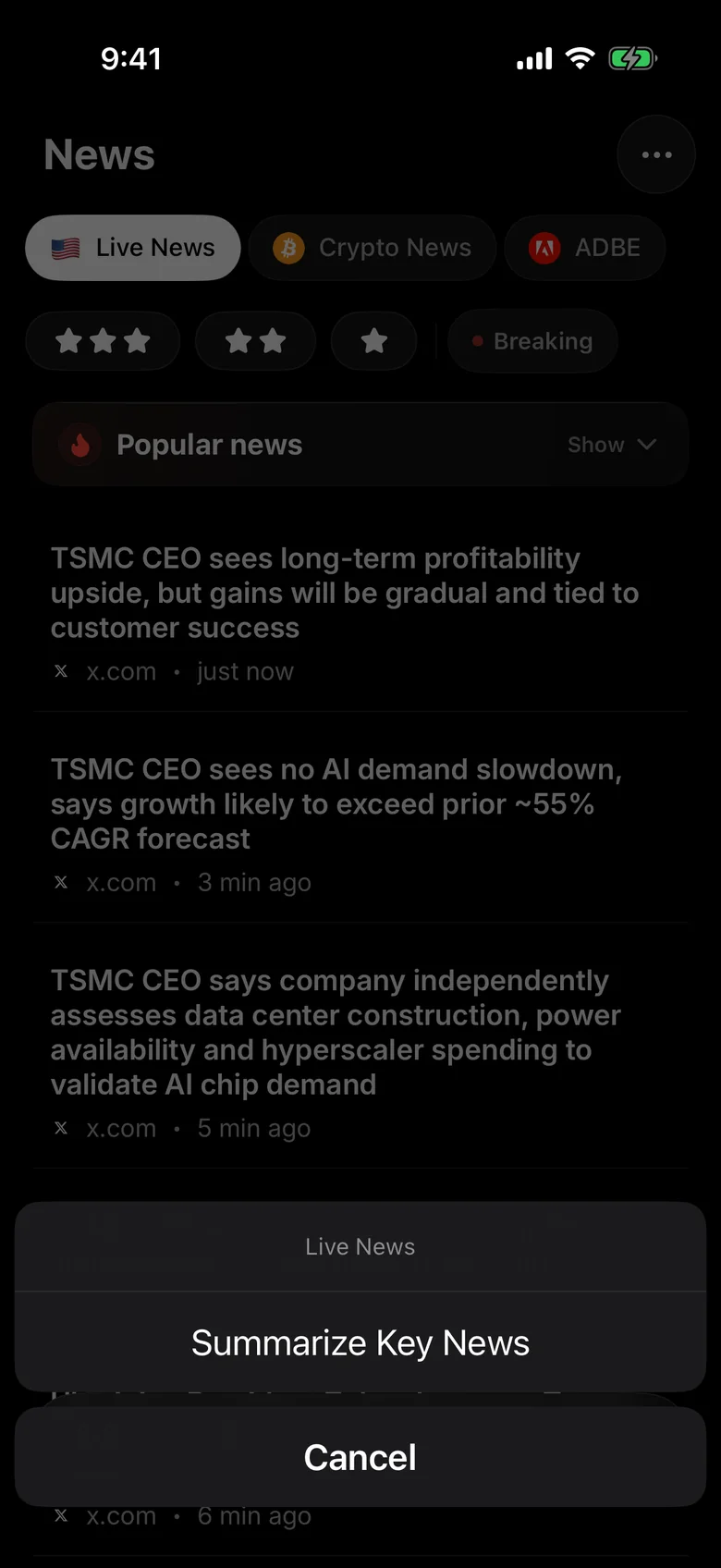
News categories: Long-press a news category tab or stock tab at the top and choose Summarize Key News to analyze today's major news in that area.
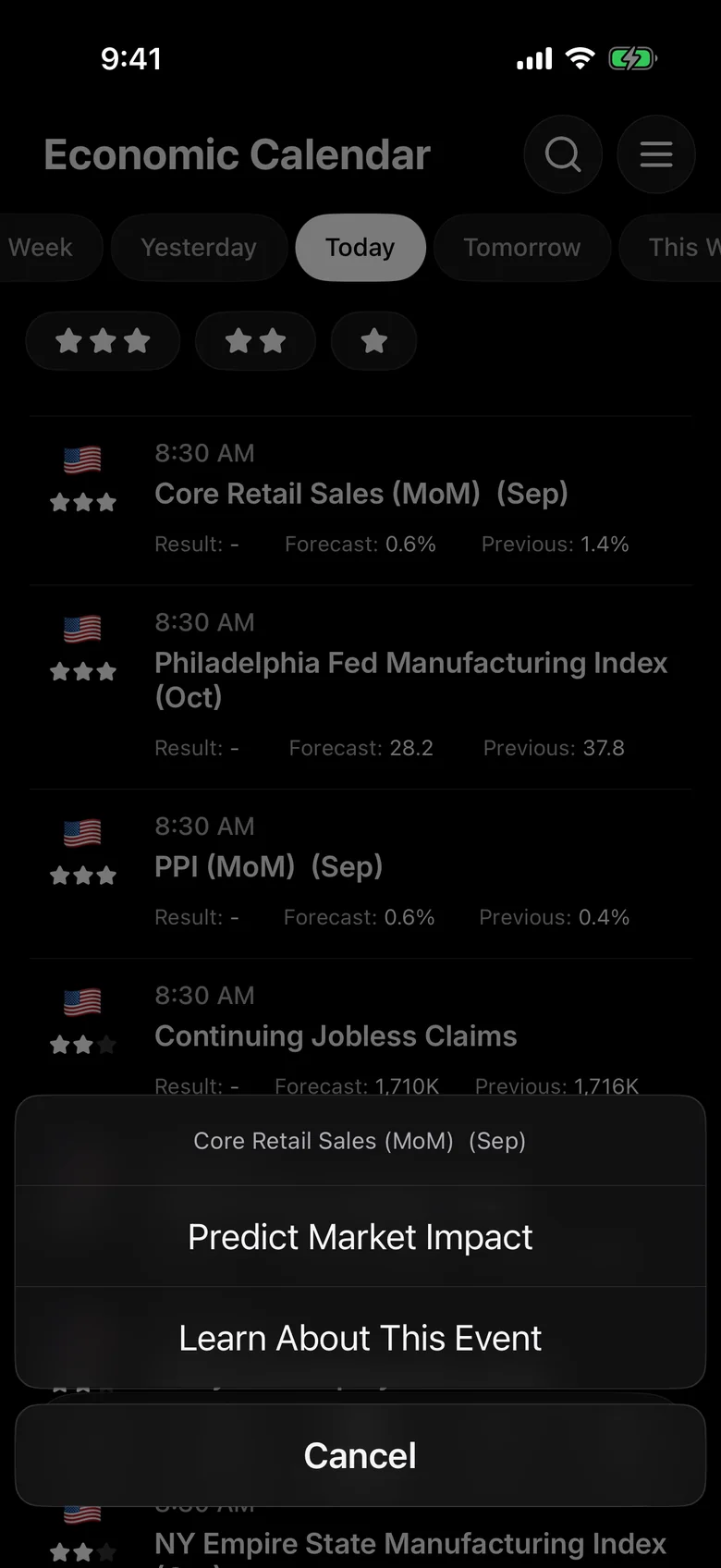
Calendar: Tap an economic event to see these buttons.
- Review Market Impact (past events): Sends the actual, forecast and previous values to analyze how the event affected the market.
- Predict Market Impact (upcoming events): Outlines how the release could affect the market.
- Learn About This Event: Explains what the indicator is and why it matters.
Questions to try in the app
- "Summarize today's key US market news"
- "Show Nvidia's stock price and similar past patterns"
- "What's the news on my watchlist this week?"
- "How could this week's key economic events affect the market?"
- "Give me a three-line recap of overnight global markets for my commute"