

Introducing Squawk
Live news radio is now available on the web and in the mobile app. Turn on Squawk to hear major headlines and breaking news as they arrive.
Follow market news around the clock without constantly checking the screen. Leave the radio connected while you work, travel or get on with other tasks.
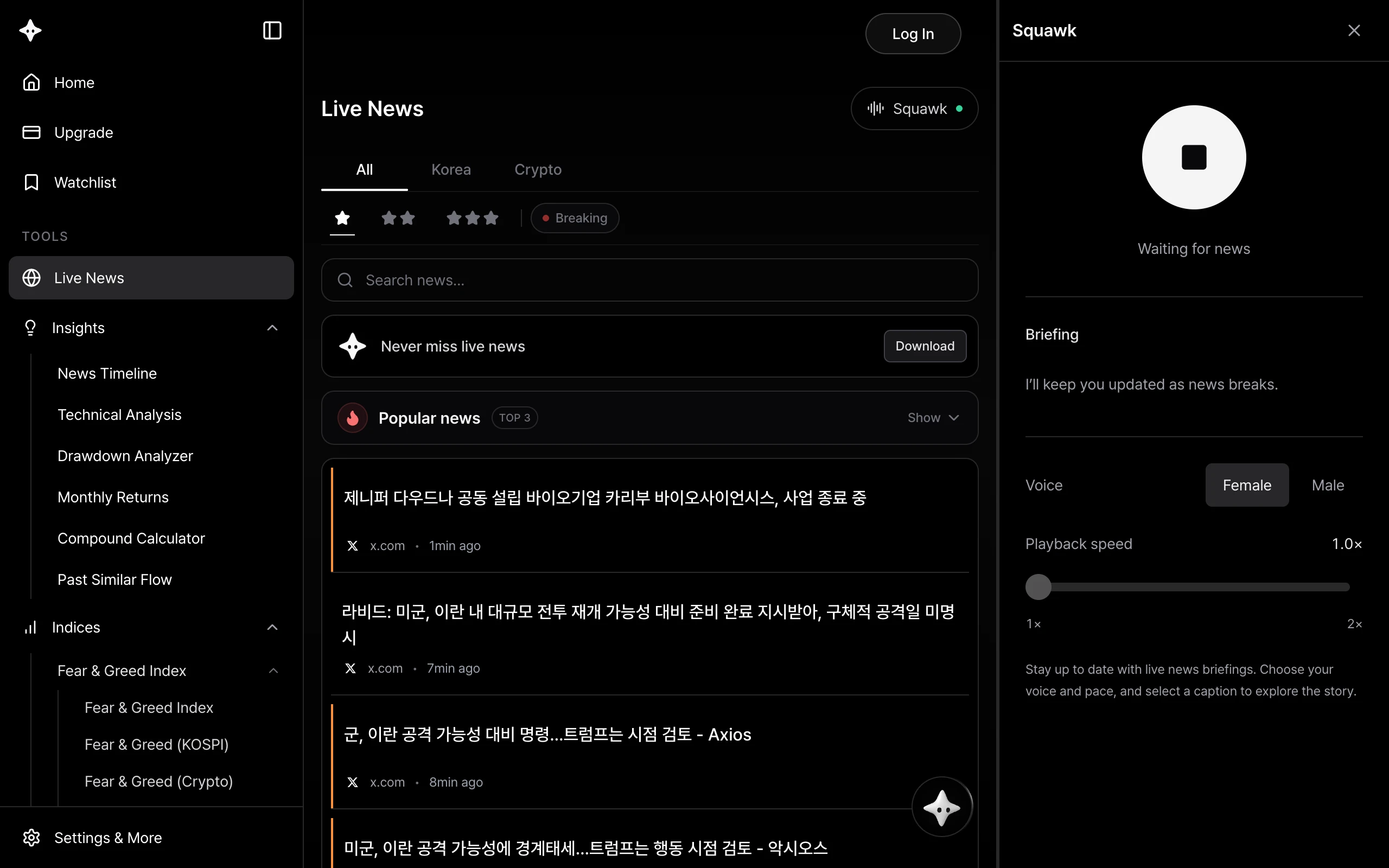
Listen to news in real time
Squawk connects to the live news feed. When a new briefing is ready, it plays automatically. When several stories arrive, it reads them in sequence. There's no need to press play for each headline or refresh the page.
Between updates, the radio waits for the next story. There's no need to restart it during a quiet moment; just stay connected.
Choose a female or male voice and set the playback speed anywhere from 1× to 2×. Keep the default pace for easy listening, or turn it up when you want a faster briefing.
Start listening on the web
- Open the live news page.
- Select Squawk at the top. The panel opens on the right and starts connecting.
- Choose your voice and playback speed, then leave it running.
You can close the panel and keep listening on the same news page. To end your session, open the panel and select the stop button.
Start listening in the app
- Open the News tab in the app.
- Tap More (···) in the top-right corner, then select the waveform-shaped Squawk icon.
- Choose a voice and speed on the Squawk screen and start listening.
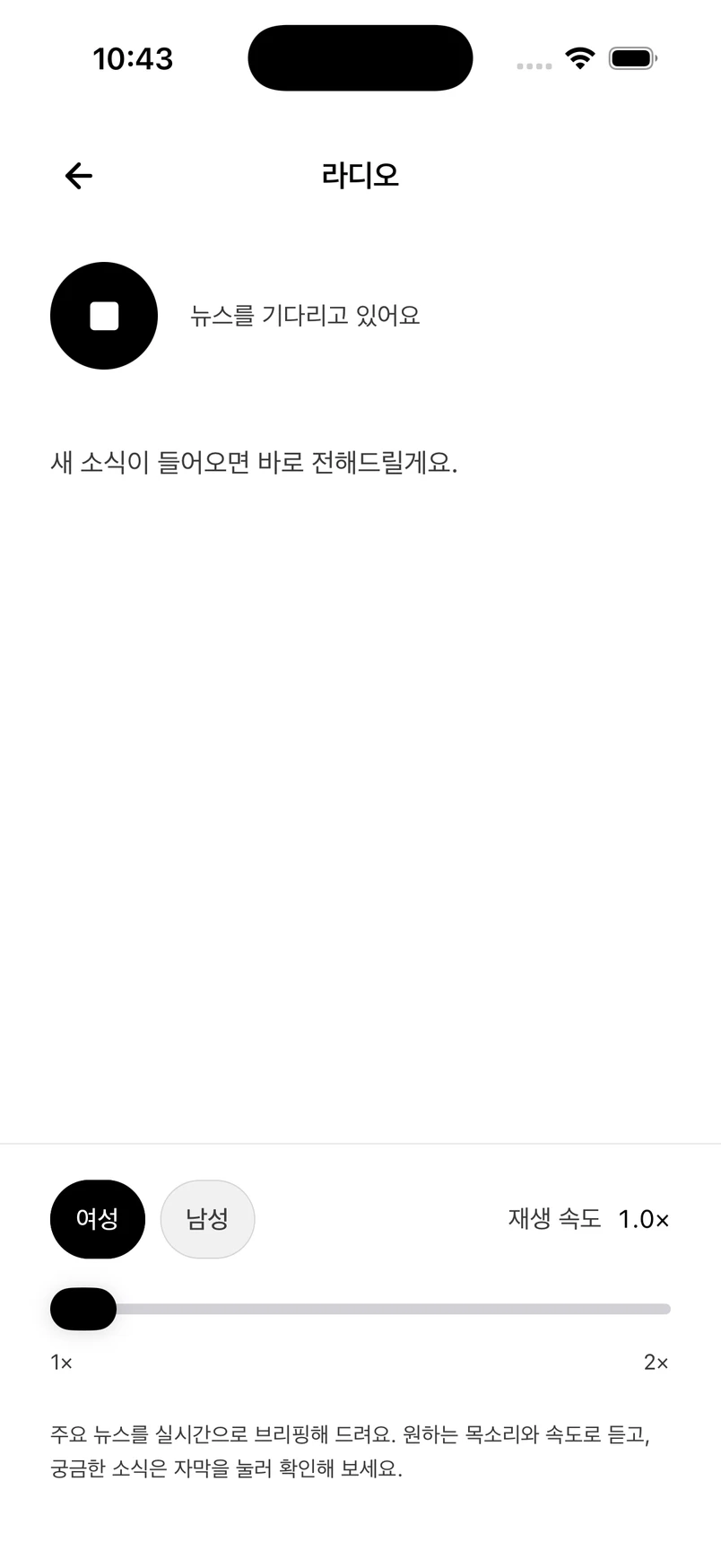
The app supports listening while you use another app or lock your screen. Connect headphones or a speaker to follow the news on the go or while your hands are busy. Going back to the news feed keeps playback running; use the stop button to end it.
Transcripts and ways to use the radio
Briefings also appear as transcripts on the radio screen. When a story catches your attention, select its transcript to open the news item.
Here are a few ways to use it:
- While working: Hear incoming headlines while writing a document or using another screen.
- On the go or at home: Catch up on major developments without repeatedly picking up your phone.
- Following overseas markets: Keep listening after your local market closes as news continues to arrive.
Languages and listening requirements
Squawk is available on the web and in the mobile app in English and Korean. Japanese audio is not yet supported; switch to English or Korean to listen.
Keep an internet connection and leave playback running to continue listening. On the web, keep the news tab open. Device power-saving settings and browser background restrictions can interrupt playback.
Listen on the web · Download the app
Screenshots show the web interface and the iOS app. The app screenshot uses Korean. News and briefings change in real time.